
NEW OUTLOOK
SETUP GUIDE · WINDOWS AND WEB
The new Outlook is browser based. The same signature works, only the settings live somewhere else.
Go to the steps
- 01 Connect
- 02 Design
- 03 Roll out
- 04 Send
Three things
and you are ready.
Your signature is built
Finish it in the builder before you start here.
Copied as rich HTML
Use “Copy signature”, not plain text copy.
Signed in to the account
Signatures are stored per account, not per device.
Five steps.
Once per person.
Nothing is installed and nothing runs in the background. You copy a signature and paste it where New Outlook keeps it.
Copy the signature
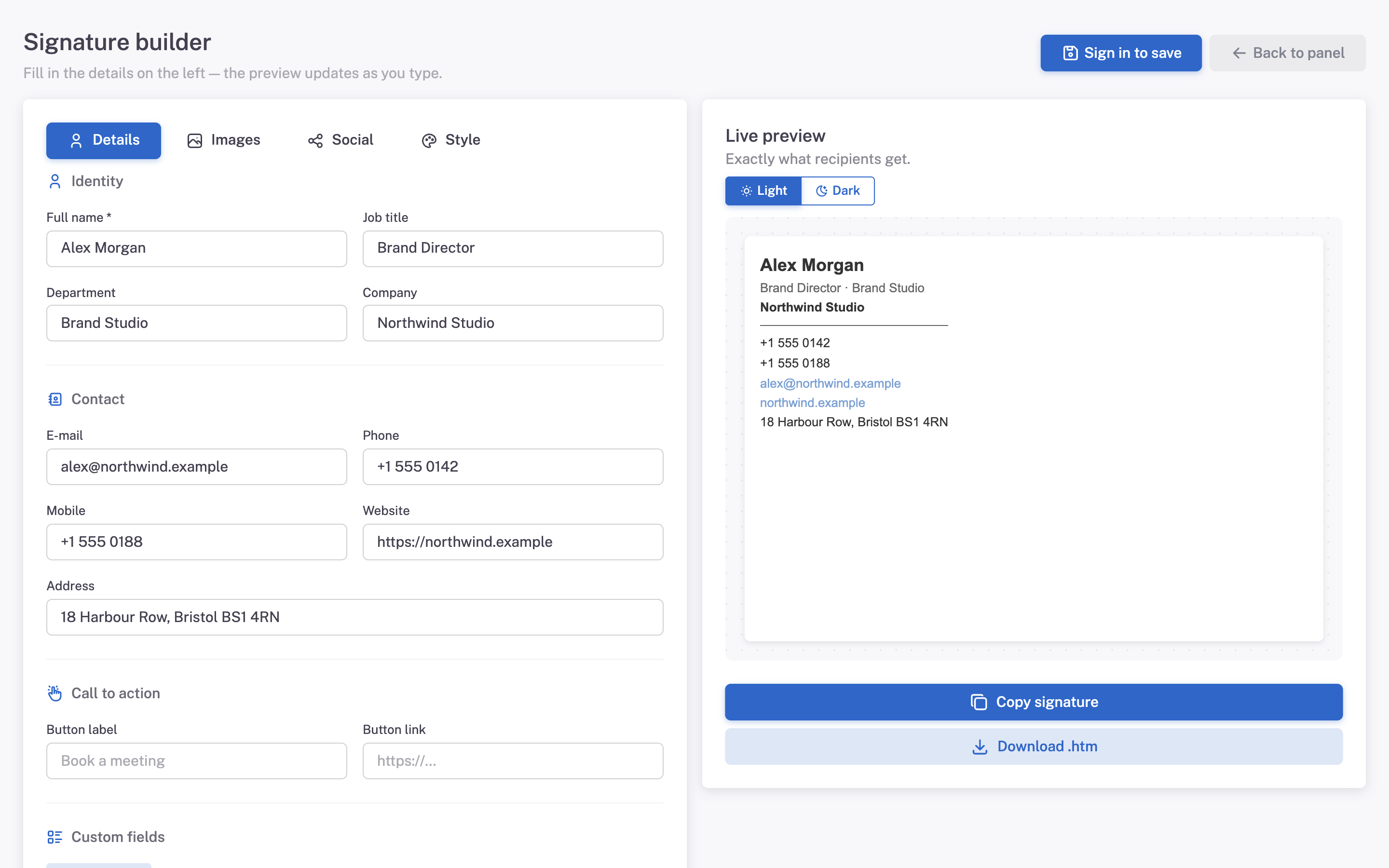
In Mailmyra, open the signature in the builder (Signatures → Edit in builder) and press Copy signature.
Open settings
Click the gear icon in the top right, then Accounts → Signatures.
Create the signature
Press New signature, name it and paste with Ctrl + V.
Choose the defaults
Select it for new messages and for replies, then press Save.
Send yourself a test
Write a new message and confirm the signature loads.
What it should
look like.
The signature appears the same way it does on the web version, since both use the same engine.
- The signature is blank The paste did not carry formatting. Copy again from Mailmyra and paste directly, without an intermediate editor.
- Images are missing Outlook blocked remote content. Choose to download images once for the sender.
- Old signature keeps appearing Another signature is still set as default. Check both new messages and replies.
Same HTML, different behaviour
The engine
The new Outlook renders in a browser engine, so it is far more forgiving than the classic build.
What we do
We do not ship a different signature for it. The same table-based markup is checked against both builds.
Asked about
New Outlook.
Is this the same as Outlook on the web?
Yes, the settings screen is the same. A signature saved in one shows up in the other.
Do I need to redo this on my phone?
The Outlook mobile app keeps its own signature. Set it there separately.
Can I keep more than one signature?
Yes, and you can pick which one is the default for new messages.