


Build
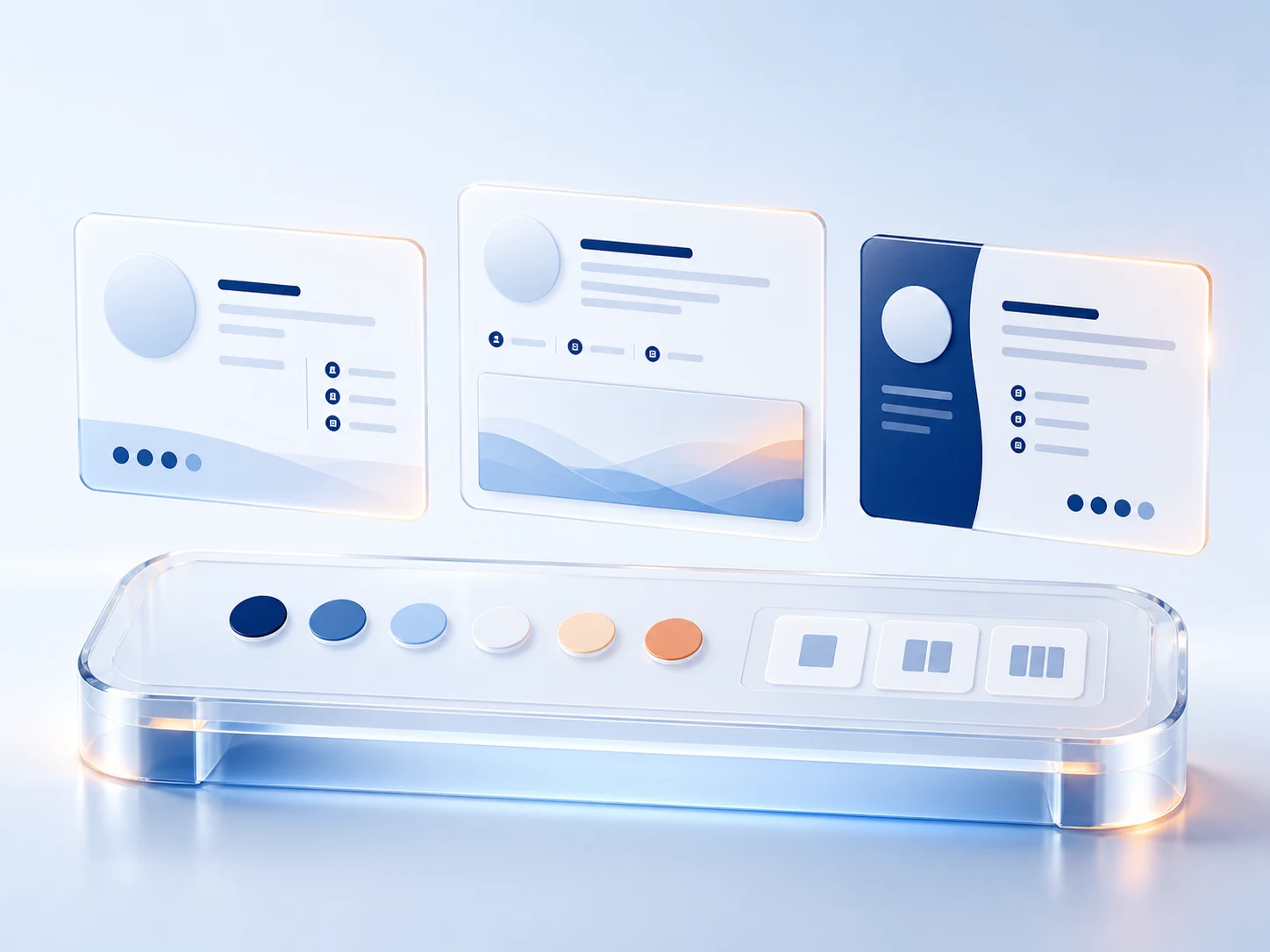
Turn identity and contact details into a finished signature while every edit renders live beside the form.
EMAIL SIGNATURES
BUILT ONCE · RENDERED EVERYWHERE
Build, govern, preview and export every email signature from one connected workspace. Mailmyra keeps every sender and every inbox aligned with the same approved identity.
Explore the product
Mailmyra brings identity, brand rules, inbox previews and export into one live workspace. Build visually, check the result where recipients read it and deliver the same approved signature without rebuilding it for every client.
Build the identity once, then carry the same approved design through styling, inbox checks and installation without rebuilding the signature at each stage.
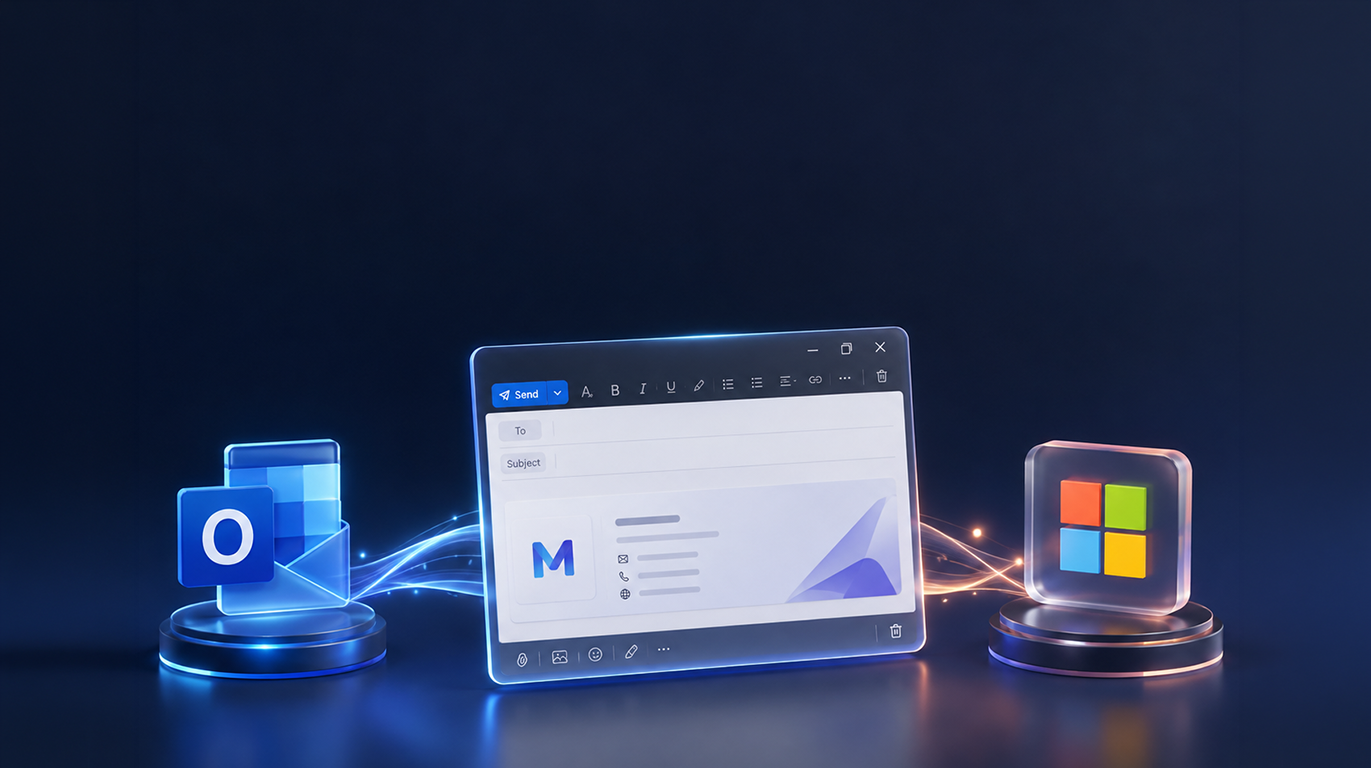
Turn identity and contact details into a finished signature while every edit renders live beside the form.
Switch layout, scale and accent without breaking the email-safe structure underneath the design.
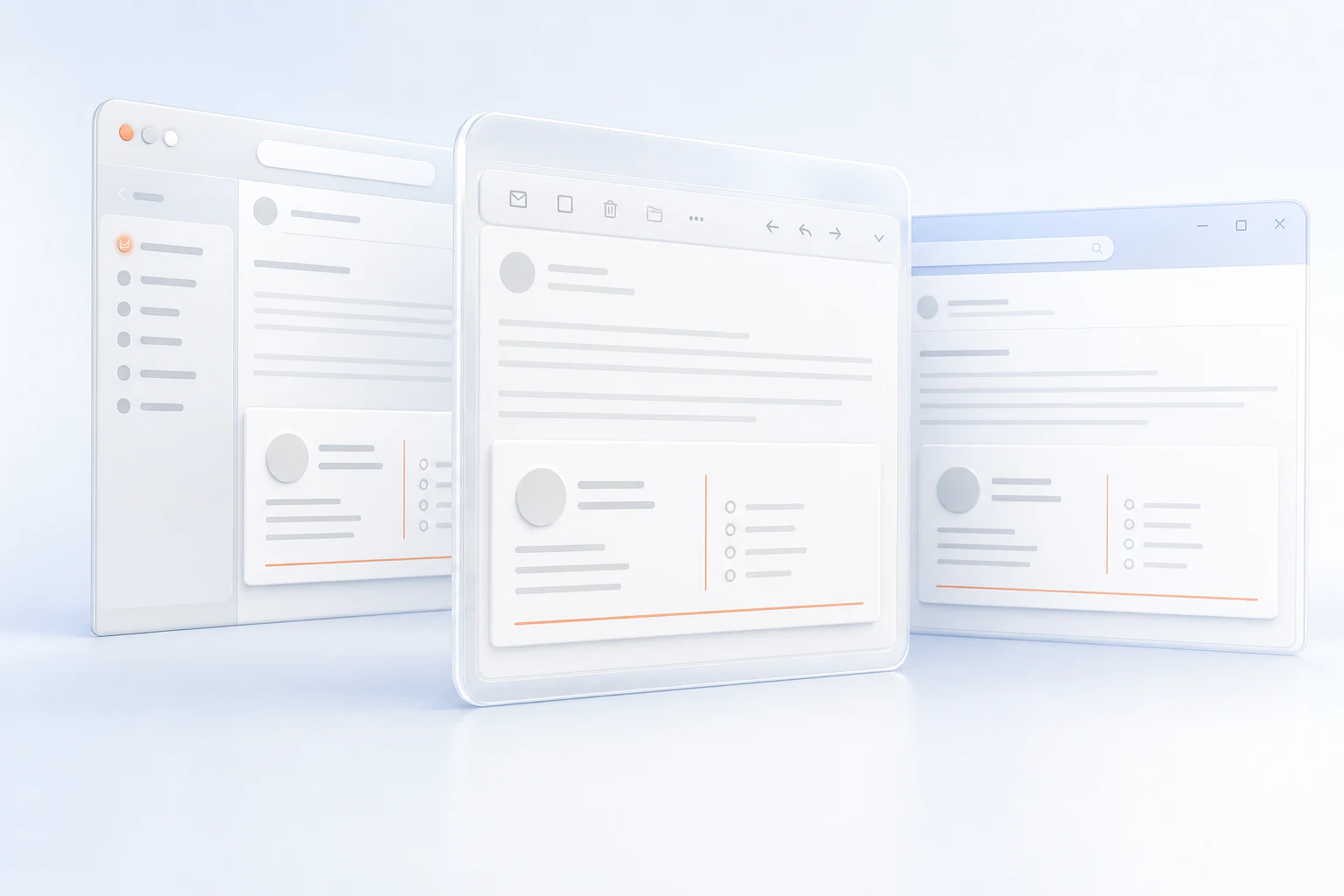
Inspect the same signature inside the inboxes your recipients actually use before anything is exported.
Copy rich HTML or download a clean .htm file, then follow the route built for your email client.
The approved identity stays intact from desktop clients to mobile inboxes and clean HTML delivery.
Scroll through the proofBuild the identity once, then control who receives it, what changes and when every campaign goes live.
Major inbox clients checked before rollout.
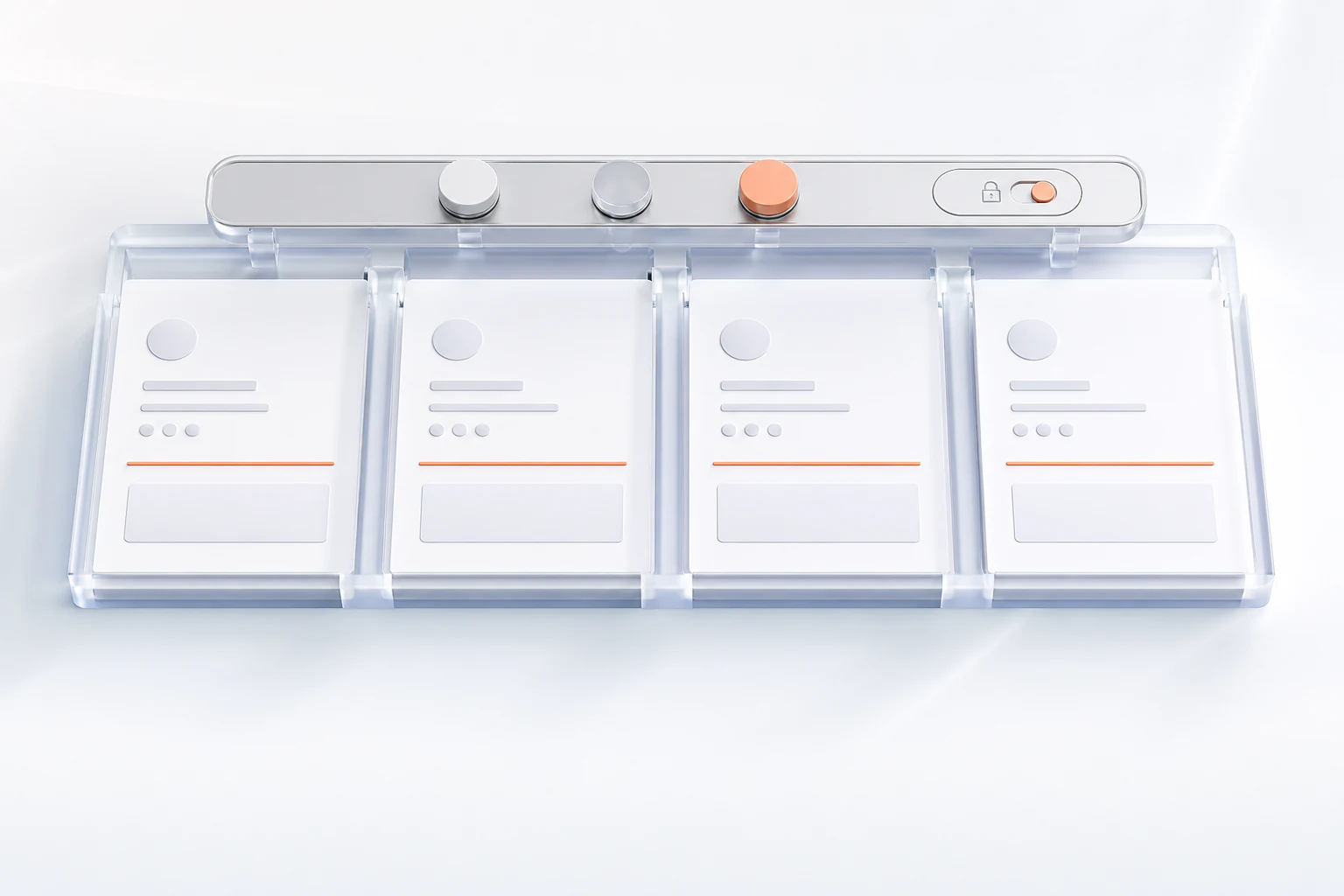
Swap a banner, lock a disclaimer or move a teammate to another approved signature without rebuilding the system.
Design, govern, verify and export from one connected workspace. Every tool feeds the same approved signature system.
Enter every identity field, choose the structure and see the final signature update before export.
Assign approved signatures without asking teammates to rebuild anything.
Outlook, Gmail, Apple Mail and mobile inboxes stay in view before launch.
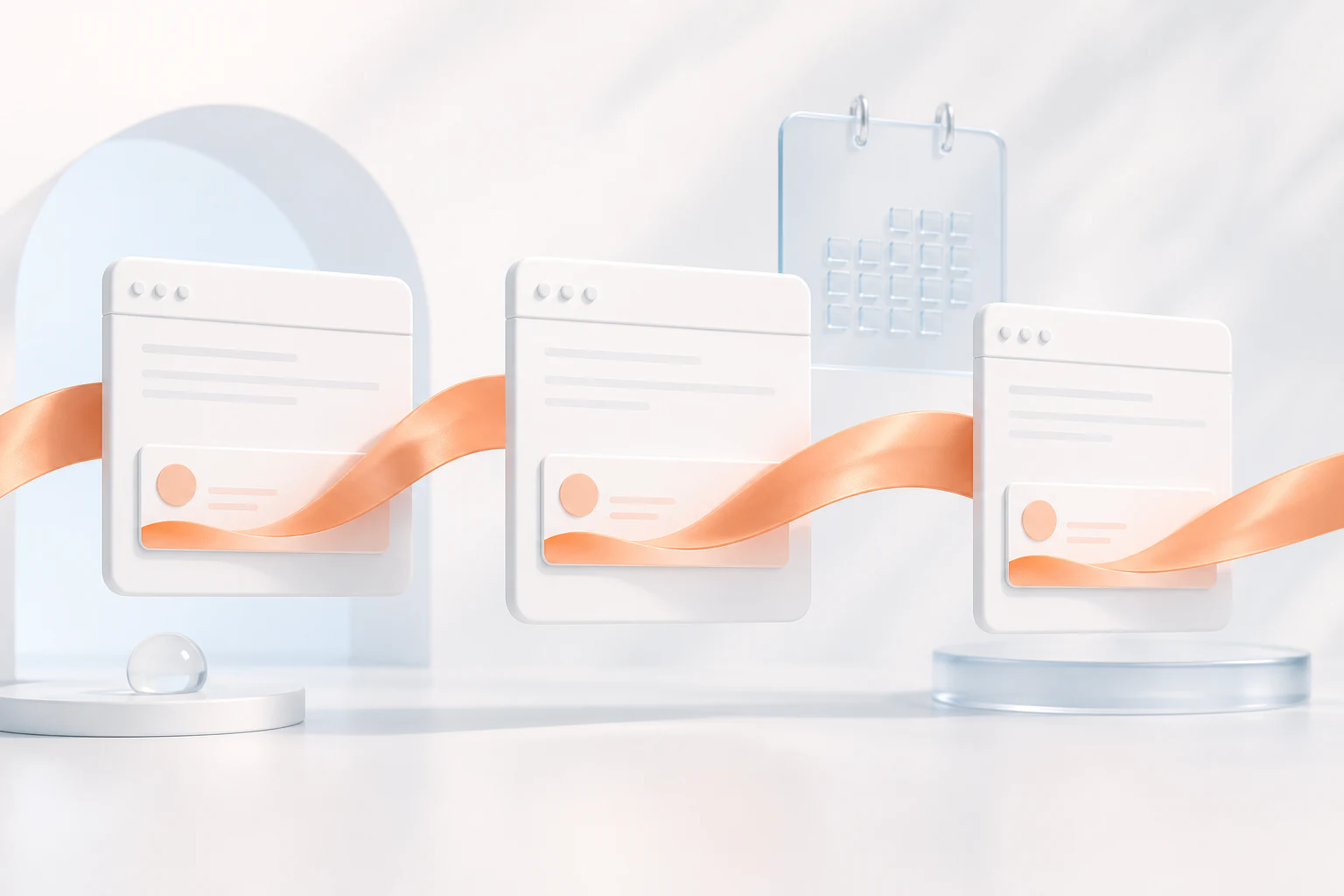
Schedule campaign creative once and publish it across selected teams.
Use rich HTML copy or an Outlook-safe .htm file with the right install guide.
Measure banner clicks and active campaigns without losing sight of the identity behind them.
Bring your employees and company information into one central workspace. Mailmyra keeps every name, role and contact detail ready to use.
Create a professional signature with your logo, employee details, social links, disclaimers and campaign banners.
Choose which signature belongs to each employee, team, department or location — all from one dashboard.
Publish once and keep every signature consistent across your organisation. Future changes are managed centrally.
Assignments, permissions and block-level editing — all one panel deep when you need them. The basics stay a two-minute job; the control is there the day your team outgrows one signature.
Assign signatures by employee, team or department — one dashboard decides who gets what. Point the whole office at one design, give sales their own campaign version, and swap either in seconds.
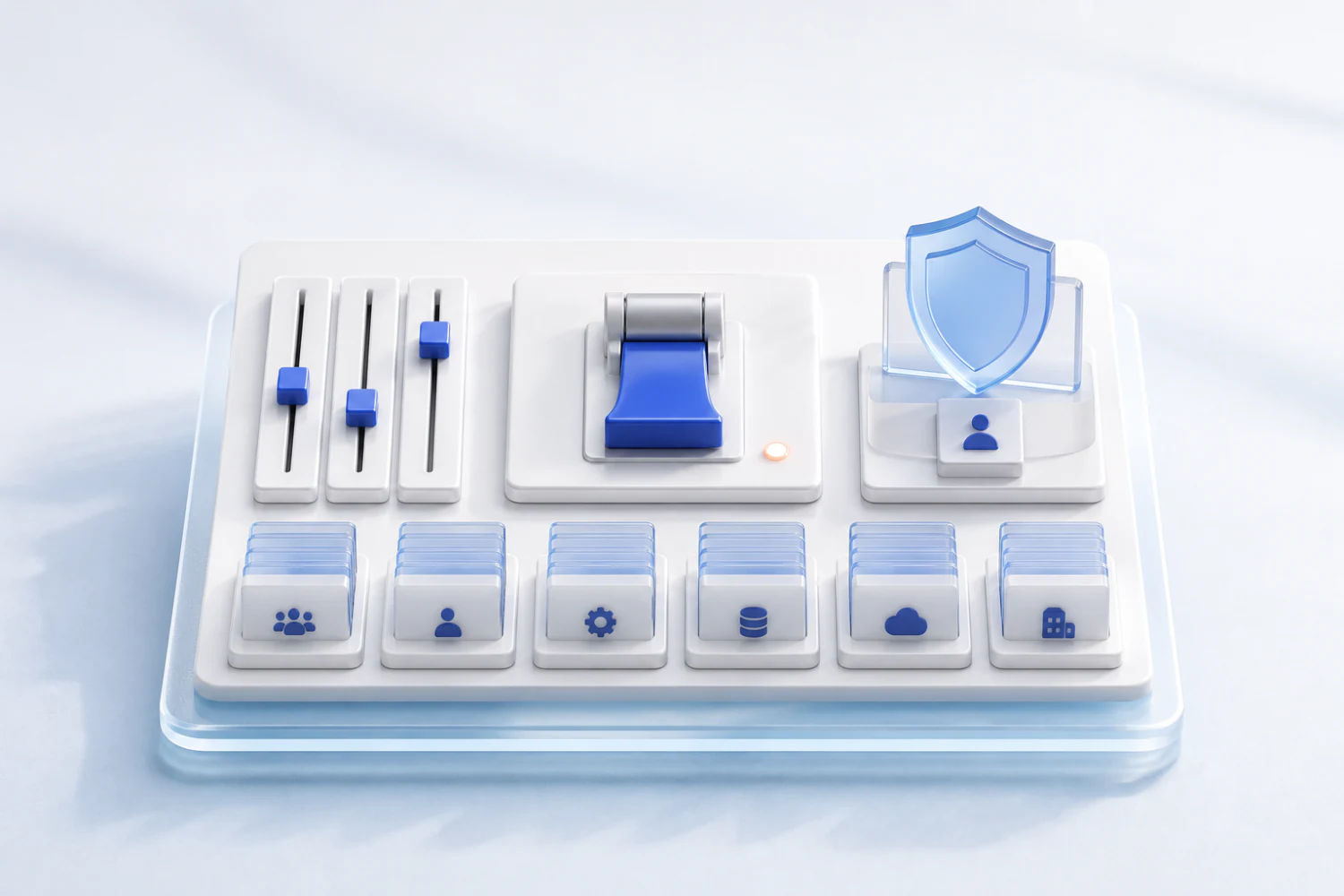
Give marketing or admins exactly the permissions they need — nothing more. Marketing updates banners and campaigns, admins manage people and seats, and nobody can break the template by accident.
Manage banners, social links, contact details and legal text as separate blocks. Update a block once and it changes everywhere it is used — no rebuilding, no copy-paste drift.
The client that breaks signatures is the
one we design for first.
Your team pastes one signature. Nothing
to install on their machines.
Update the master template, export again,
every signature follows.
Setup Follow the setup guides for Outlook, Gmail and Apple Mail.
Mailmyra keeps your team’s signatures consistent across desktop, mobile and supported email platforms—without separate setup for each device.
One consistent signature across every device and platform.
Mailmyra turns every email signature into a consistent brand touchpoint. Manage company branding, employee details, campaign banners, social links, and essential information from one central platform.
Everything you need to know before building, exporting and managing signatures with Mailmyra.
Mailmyra helps you design professional email signatures, preview them across major inboxes and export clean, table-based HTML that stays consistent when it reaches the recipient.
You can preview and prepare signatures for Outlook Classic, New Outlook, Gmail, Apple Mail and iOS Mail, with layouts built around real email-client rendering constraints.
No. Choose a template, enter your details and adjust the style visually. Mailmyra generates the email-safe HTML and keeps the technical structure out of your way.
Yes. Create one approved signature system, lock the brand rules that matter and apply the same visual hierarchy to every teammate while keeping personal details accurate.
Campaign content can be prepared once and kept consistent across selected senders, so launches and calls to action do not depend on manual edits in individual signatures.
Copy the signature as rich HTML or download the .htm file, then follow the client-specific installation guide for Outlook, Gmail, Apple Mail or your preferred inbox.
You have seen the whole process. Open the builder, type in your
details and watch the live preview take shape line by line.