
GMAIL
SETUP GUIDE · WEB AND MOBILE
Gmail keeps the signature on the account. Set it once on the web and every message you send from the web carries it.
Go to the steps
- 01 Connect
- 02 Design
- 03 Roll out
- 04 Send
Three things
and you are ready.
Your signature is built
Finish it in the builder before you start here.
Copied as rich HTML
Use “Copy signature”, not plain text copy.
Use a desktop browser
The signature editor is only available on the web version.
Five steps.
Once per person.
Nothing is installed and nothing runs in the background. You copy a signature and paste it where Gmail keeps it.
Copy the signature
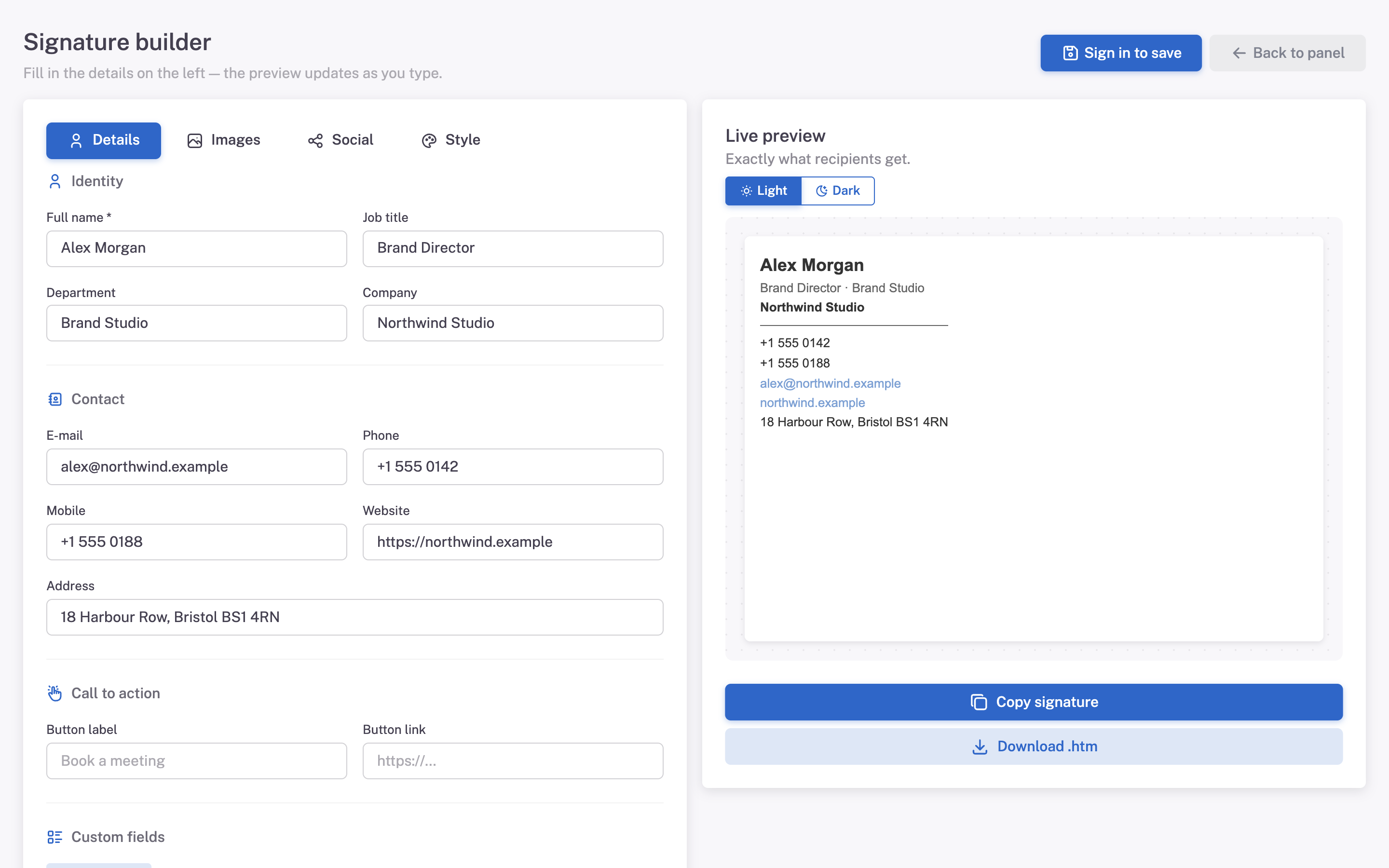
In Mailmyra, open the signature in the builder (Signatures → Edit in builder) and press Copy signature.
Open Gmail settings
Click the gear icon, then See all settings and stay on the General tab.
Find the signature block
Scroll down to Signature and press Create new. Give it a name.
Paste and set defaults
Paste with Ctrl + V, then choose the signature under Signature defaults.
Save changes
Scroll to the bottom and press Save Changes. Gmail discards edits without it.
What it should
look like.
The signature sits below your message, images load, and the block stays under the width of the reading pane.
- The message shows “…” at the bottom Gmail clipped the mail. Total size passed its budget — keep images light and the signature small.
- Save button did nothing You left the page before pressing Save Changes at the bottom of the settings screen.
- Signature is missing on the phone The Gmail app keeps a separate plain-text signature. That is Gmail behaviour, not an export problem.
Size is the constraint here
The engine
Gmail renders fine, but it clips the whole message once it grows past its size budget and hides everything after that point.
What we do
The markup stays lean and images are served at 2x but compressed, so the signature costs as little as possible.
Asked about
Gmail.
Does this work on Google Workspace accounts?
Yes. The settings screen is identical for personal and business accounts.
Can I set it for the whole company?
Not from Gmail itself. Each person adds it, or you share the export with the team.
Why does my phone show a different signature?
The Gmail app uses its own mobile signature, which only supports plain text.